How to get an itinerary from a record locator


TL;DR
- Explains how to use a 6-character PNR to access flight details
- Differentiates between a Record Locator and a 13-digit Ticket Number
- Provides tips for finding lost codes via SMS or bank statements
- Details the process for managing seats and meal requests online
- Simplifies the steps to generate a printable travel itinerary
How to Turn a Record Locator Into an Itinerary (Without Losing Your Mind)
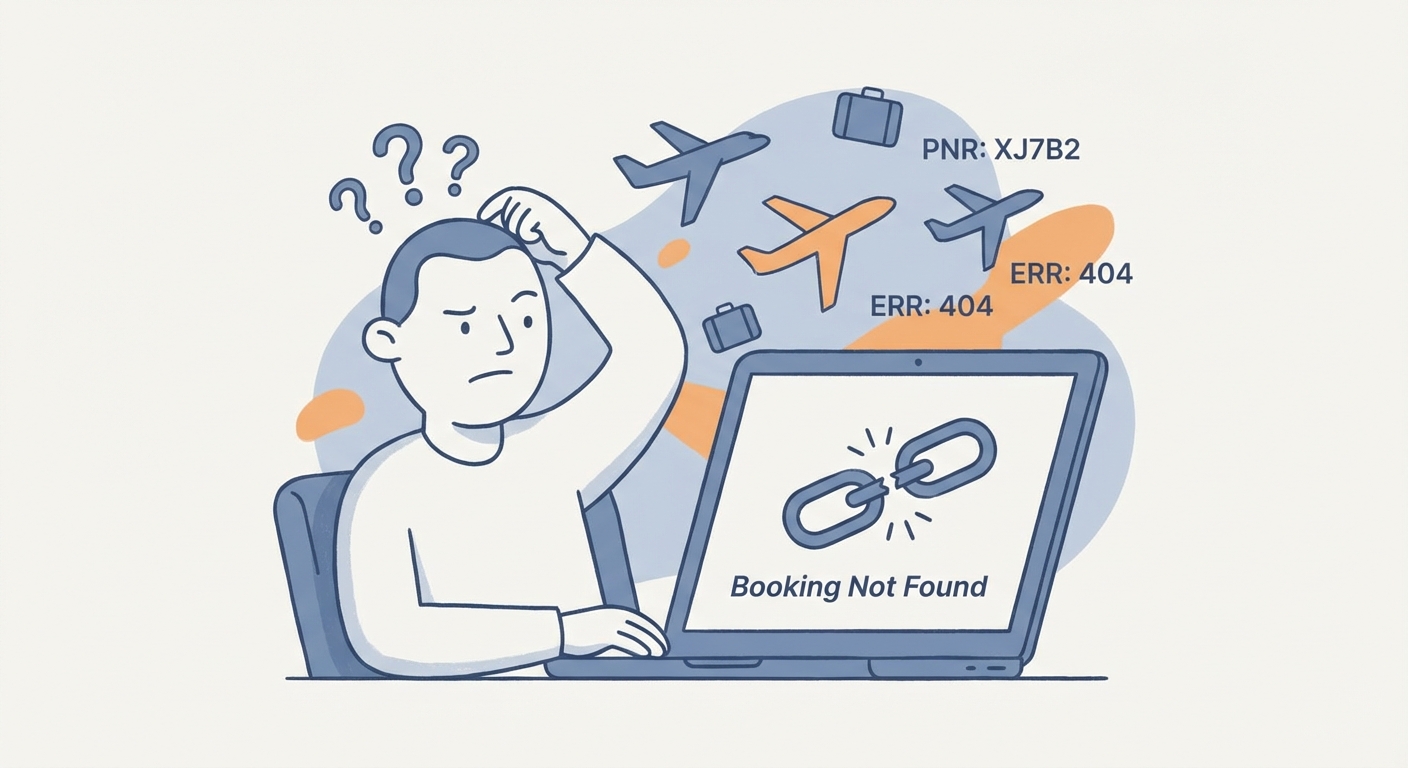
You’ve got a six-character code, a flight to catch, and absolutely no confirmation email.
It happens. Maybe the email went to spam. Maybe you accidentally deleted it while purging your inbox. Or maybe your company’s corporate travel agent just texted you a cryptic string of letters and numbers like you’re supposed to know what to do with it.
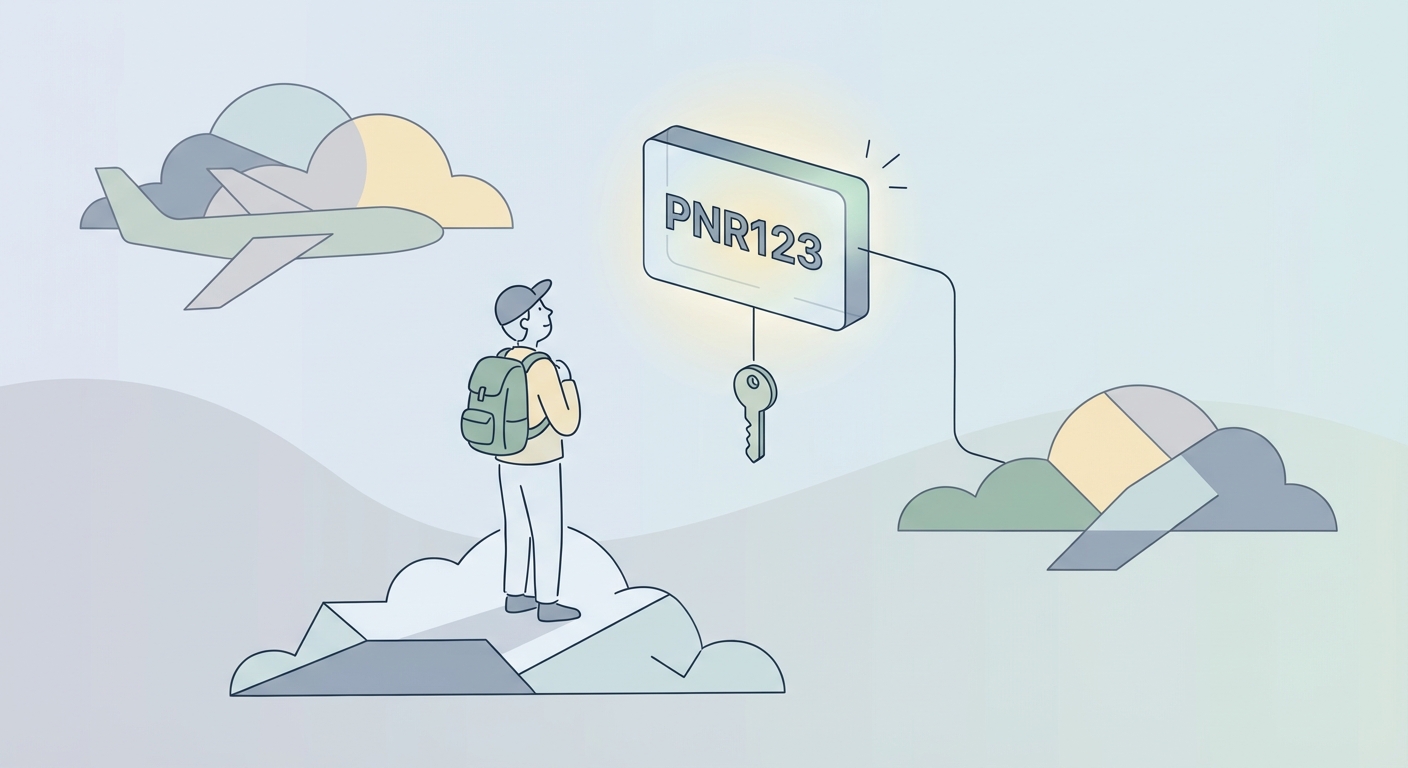
Here is the good news: That six-character code—your Record Locator or PNR—is the master key to your entire trip. You don’t need to wait on hold with customer service for two hours. You don’t need to panic.
You just need to know where to plug that code in.
This guide is the shortcut. We’ll show you exactly how to take that raw code and turn it into an official, printable itinerary—whether you booked directly with the airline, used a site like Expedia, or are juggling a complex multi-city route.
First: What Actually Is a Record Locator?
In the airline industry, your name matters less than you think. To the computer systems running the show, you are your PNR.
The Passenger Name Record (PNR), usually called a Record Locator, is a six-character alphanumeric code (like RX7J9P). It’s generated the second a reservation is created in the airline’s mainframe.
Think of the PNR as the digital DNA of your trip. It’s a folder that holds everything: your flight times, your seat assignment (12F, window), your special meal request (vegan), and whether or not you’ve actually paid.
The "Big Mistake": PNR vs. Ticket Number
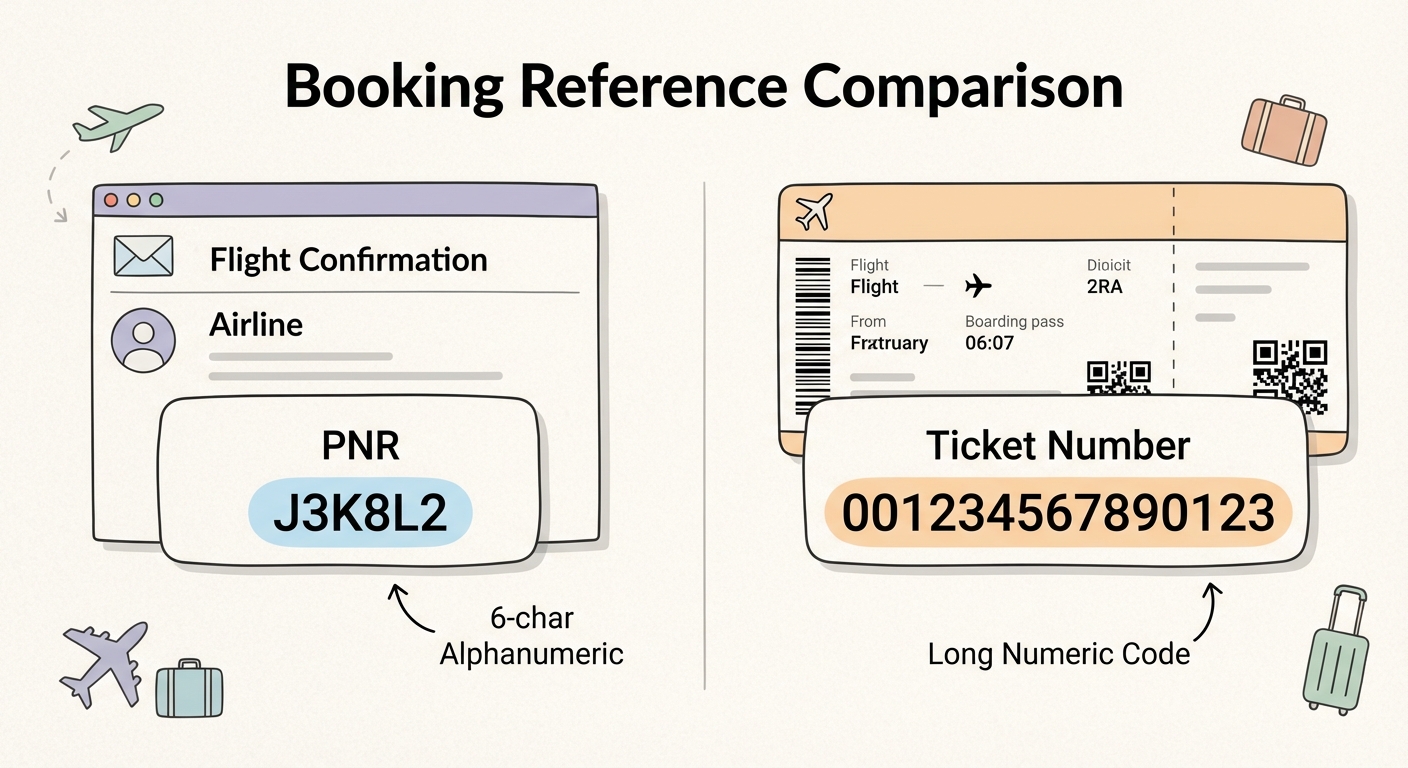
If you take nothing else from this guide, remember this: Your Record Locator is not your Ticket Number.
Travelers mix these up constantly. Here is how to tell them apart at a glance:
- Record Locator (PNR): 6 characters. A mix of letters and numbers (e.g.,
K9J2P4). This is for managing the trip. You use this to check in, change seats, or track the flight. - E-Ticket Number: 13 digits. Numbers only (e.g.,
0062345678910). This is your receipt. It proves money changed hands.
If you are on a website trying to find your itinerary, the box is almost certainly asking for the 6-character PNR. The long ticket number is usually useless until you need to file an expense report or request a refund.
Where is the Code Hiding?
If you don't have the official "You're Going to Paris!" email, check these spots:
- SMS Alerts: If you opted into text notifications, the code is often in the very first verified text you received.
- Bank Statements: This is a pro trick. Check your credit card transaction details online. American Express and Chase often list the Ticket Number and the PNR directly in the line item description.
- Mobile Wallets: Already have a boarding pass in Apple Wallet or Google Pay? Tap the "..." or "Details" button on the pass. The Record Locator is always buried in the metadata there.
The Gold Standard: Retrieving Directly from the Airline
If you want the truth, go to the source.
Third-party sites (like Kayak or Expedia) are fine for booking, but they are terrible for real-time updates. The airline’s own server is the only "source of truth" for gate changes, delays, and official documentation.
Every major carrier—from Lufthansa to Southwest—has a portal for this. They label it Manage Booking, My Trips, or Check My Flight.
The Universal Process
You need two things. Just two:
- The Record Locator.
- The Last Name of the passenger (spelled exactly as it is on the passport).
Got them? Here is the play:
- Go to the airline's homepage. Don't Google it; type
delta.comoraa.cominto your browser. - Find the "Manage" tab. It’s usually hovering right next to "Check-in."
- Enter your data. Type the code. Type your last name. Hit enter.
- Get the document. Once the dashboard loads, look for a button that says "Print Itinerary," "Email Receipt," or "Share."
Pro Tip for Visa Applicants: If you are printing this itinerary for a visa appointment or border crossing, do not take a screenshot. Immigration officers hate screenshots. They look fake. Use the airline’s "Email to PDF" or "Print" function. You want the official header, the airline logo, and the clean layout. It looks official because it is.
The Headache: Booking Through a Third Party (OTA)
This is where things get messy.
If you booked through Expedia, Priceline, Chase Travel, or Booking.com, you introduced a middleman. The problem? Middlemen love their own internal filing systems.
When you book via an OTA (Online Travel Agency), you usually end up with two different codes:
- The OTA Trip ID: This is Expedia’s internal tracking number. It is completely useless if you try to plug it into United.com.
- The Airline Confirmation Code: This is the actual 6-character PNR you need.
Scenario A: You Just Need a Receipt for Expenses
If you just need to prove to your accountant that you spent $400 on a flight, stay on the OTA site. Log into your Expedia/Priceline account, go to "My Trips," and print the receipt there. It will show the billing breakdown, which is what finance cares about.
Scenario B: You Need to Fly (Select Seats, Check Times)
If you actually need to manage the flight, you have to find the real code.
- Open the confirmation email from the OTA.
- Scan the fine print. Ignore the giant "Trip ID" at the top.
- Look for a field labeled "Airline Confirmation," "Airline Code," or "Ticketed Reference." It’s often hidden in the flight details section.
- Take that code to the airline’s website.
The "Ghost Booking" Warning: Can't find the airline code? Check how long ago you booked. OTAs don't always ticket instantly. Sometimes, Expedia takes your money, and then their system talks to the airline's system to actually buy the seat. This can take anywhere from 15 minutes to 24 hours. Until that handshake happens, the airline doesn't know you exist, so there is no Record Locator.
If it’s been 24 hours and you still don't have an airline code, check your spam folder for a second email titled "E-Ticket Confirmation." If that’s empty, call the OTA immediately.
The "Hacker" Way: Universal Lookup Tools
Flying a weird route? Maybe you’re flying United to Frankfurt, then switching to Lufthansa for the connection. Checking individual websites for that is a pain.
This is where Global Distribution Systems (GDS) come in. These are the massive data backbones that run the world’s air travel. There are three big ones—Amadeus, Sabre, and Travelport—and you can sometimes peek inside them directly.
- CheckMyTrip (Amadeus): This is the heavyweight champion. If you are flying a European or Asian carrier (Lufthansa, Air France, Singapore Airlines, Cathay Pacific), they likely use Amadeus. You can plug your PNR into the CheckMyTrip app or website, and it will often pull the full itinerary, even across different airlines.
- TripCase (Sabre): Sabre powers American Airlines and many others. TripCase used to be the gold standard for this, though they've pivoted more toward corporate travel recently. It’s still worth a shot if you have a Sabre-based PNR.
- ViewTrip (Travelport): If your travel agent uses the Apollo or Galileo systems, ViewTrip is the public portal to see those bookings.
A word of caution: These tools are for looking, not touching. You can view your flight, see the terminal, and check the time. But if you want to change your seat or buy a bag, they will just link you back to the airline.
Quick Cheat Sheet: Major Airline Lookup Links
Don't waste time navigating homepage menus. Here are the direct lines to the lookup tools for the big players.
- American Airlines: Go to American Airlines Find Your Trip. They keep it simple: Record Locator + Last Name.
- Delta Air Lines: Visit Delta My Trips. Delta’s interface is arguably the best in the US. It’s very easy to print a clean receipt here.
- United Airlines: Head to United My Trips. You can view, change, or cancel right from this dashboard.
- British Airways: Search for "Manage My Booking" (MMB). Note: BA is strict. The name must match the passport exactly, including middle names if they were on the booking.
- Southwest Airlines: Look for "Check Flight" or "Manage Reservations." Pro Tip: Southwest allows you to "re-price" flights here. If the fare is lower today than when you bought it, you can click a few buttons and get the difference back as a flight credit. Always check your Southwest PNR before you fly.
Troubleshooting: "Computer Says No"
You have the code. You have your name. You hit enter. Error: Reservation Not Found.
Before you throw your laptop out the window, check these four common glitches.
1. The "O" vs. "0" Problem
Record Locators are alphanumeric, but airlines know that 'O' (Oscar) and '0' (Zero) look identical. Most systems try to avoid using the numbers 0 and 1 to prevent confusion with the letters O and I. But it happens. If your code has a circle in it, and it’s not working, swap the letter for the number (or vice versa).
2. The Name Game
Computers are dumb. They need an exact string match.
- Hyphens: If your passport is "Smith-Jones" but the ticket agent was lazy and typed "Smithjones," you have to type "Smithjones" to find the flight.
- The Middle Name Smush: This scares people, but it’s normal. Often, your ticket will display as "JAMESROBERT" instead of "James Robert." If entering "Smith" fails, try looking at your original receipt to see exactly how the airline formatted your name string.
3. The "Split PNR"
Did you book with a spouse or friend? If you changed your flight but they didn't (or you got upgraded and they didn't), the airline likely "split" the reservation. You might be frantically typing in the original code, not realizing the system moved you to a brand new, unique Record Locator. Search your email for a "modification" or "itinerary update" notification—the new code will be in there.
4. The "Held" Trap
A Record Locator is created the moment a seat is held. That doesn't mean it’s paid. If you have a code but the website says "Cancelled" or "Invalid," the payment might have failed, causing the hold to expire. If you see this, call the airline immediately. Do not go to the airport expecting to fly.
Frequently Asked Questions (FAQ)
Q1: Can I get my itinerary with just my name and no record locator? Usually, no. It’s a security risk. Airlines won't give out flight data based on just a name (otherwise, stalkers would have a field day). However, if you have the credit card used to pay, you can sometimes call customer service and verify your identity that way to recover the code.
Q2: Is the record locator the same as the ticket number? No. They are different beasts.
- Record Locator (PNR): 6 chars (e.g.,
A1B2C3). Use this to manage the trip. - Ticket Number: 13 digits (e.g.,
001...). Use this for refunds and expense reports.
Q3: Why does my record locator say "Invalid"? Check for typos (O vs 0). Then, check the airline. If you are flying a codeshare (e.g., a Delta flight operated by Air France), the Delta code might not work on the Air France site. You might need to call to get the operating carrier's specific PNR.
Q4: Can I use a record locator to get an itinerary for a past flight? It’s hit or miss. "Manage Booking" usually only shows upcoming trips. For past trips, look for a "Receipts and Refunds" link in the website footer. You’ll likely need the 13-digit ticket number for that, not the PNR.
Q5: How do I print an itinerary for a visa application? Log into the airline's "Manage Booking" portal. Do not screenshot. Find the "Print" or "Email PDF" button. This ensures you get the official letterhead, passenger details, and "Confirmed" status that immigration officers require.