Record locator

TL;DR
- Explains the 6-character alphanumeric code used to identify airline reservations.
- Details the role of GDS systems like Amadeus and Sabre in generation.
- Differentiates between the PNR file and the Record Locator label.
- Describes how alphanumeric logic prevents manual entry errors at check-in.
- Guides travelers on locating the code within complex confirmation emails.
You know the feeling. You’re standing at the check-in kiosk, the airport Wi-Fi is spotting out, and the line behind you is getting huffy. You’re frantically scrolling through an email that looks like a wall of text, hunting for the one code the machine actually wants.
You see a ticket number. A flight number. A frequent flyer number. But the kiosk is demanding a "Reservation Code."
That six-character string—something like XJ59L2—is your Record Locator.
It is the single most critical data point for your trip. Unlike your ticket number, which is essentially just a receipt, the Record Locator is the command code. It tells the airline’s massive, antiquated computer brain: "Pull up the file for this human."
How is a Record Locator generated? (The Technical Backend)
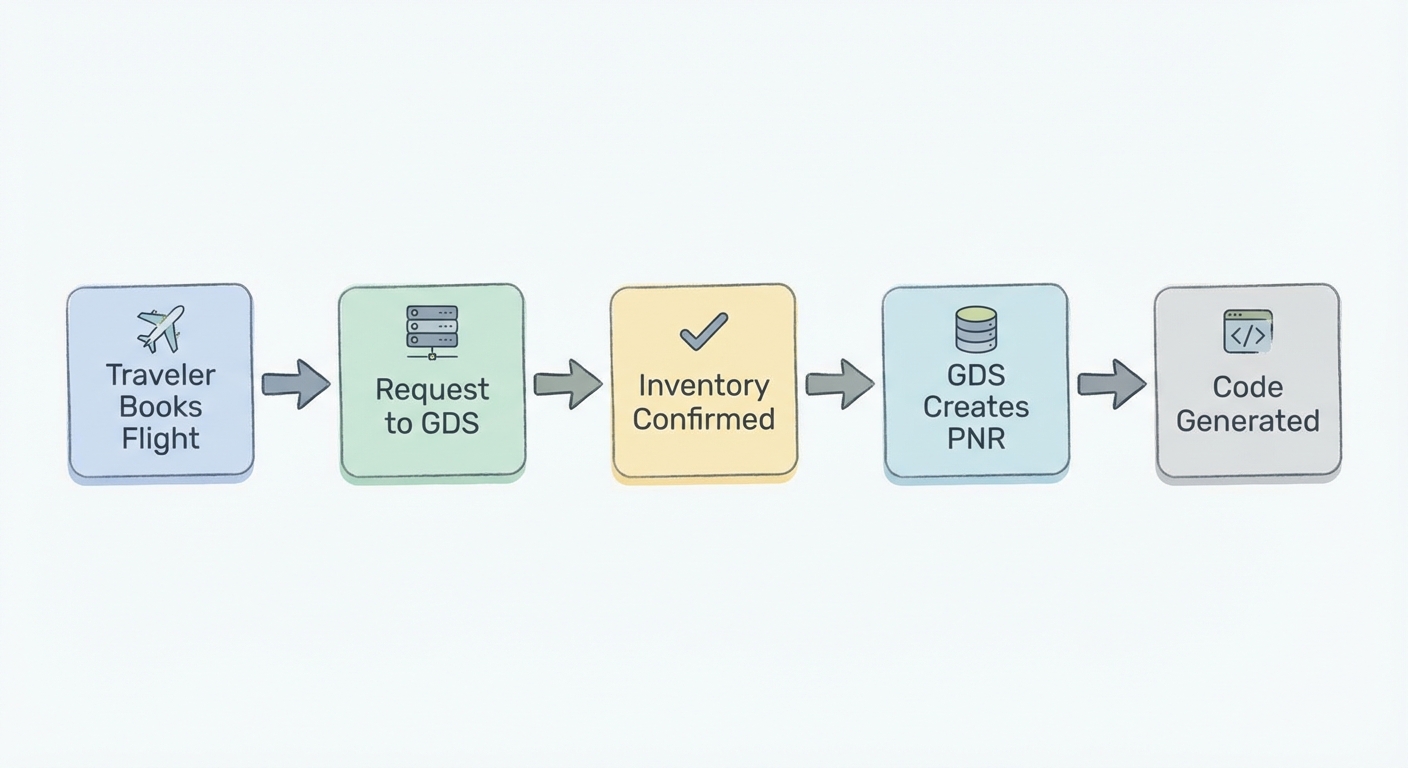
To really get why this code matters, you have to peel back the curtain on the airline industry. These codes aren't random. They are specific algorithmic outputs from the Global Distribution System (GDS).
When you click "Buy," your request gets fired off to a network like Amadeus, Sabre, or Travelport. These systems are the digital backbone of travel; they are legacy beasts, some running on logic that dates back to the 1960s.
Once the GDS confirms there is actually a seat for you, it creates a digital file. To find that file later among millions of others, it generates a unique six-character index key.
The "File Folder" Analogy
Imagine the GDS is a warehouse filled with endless rows of filing cabinets.
- The PNR (Passenger Name Record) is the physical manila folder. Inside, it has your name, your phone number, your gluten-free meal request, and your itinerary.
- The Record Locator is the label on the tab of that folder.
You can't read the label to know what's inside (it’s just random letters), but the librarian (the airline agent) cannot find the folder without it.
The Alphanumeric Logic
Ever notice your code never has the number 0 or the letter O? It rarely key-smashes a 1 or an I together.
This is intentional design, not a coincidence.
The algorithms generating these codes actively scrub characters that look alike. This dates back to the days of dot-matrix printers and green-screen terminals. The system is designed to prevent a gate agent from typing the wrong character during a rushed manual entry.
If you want to geek out on the triad of networks that control the sky, read our guide on GDS Systems Explained.
Where can I find my Record Locator?
This should be easy. It isn't.
The airline industry is notorious for inconsistent naming conventions. Depending on who you fly with, they might not even call it a Record Locator. Delta often calls it a "Confirmation Number." British Airways prefers "Booking Reference."
Regardless of the label, here is where you hunt for it:
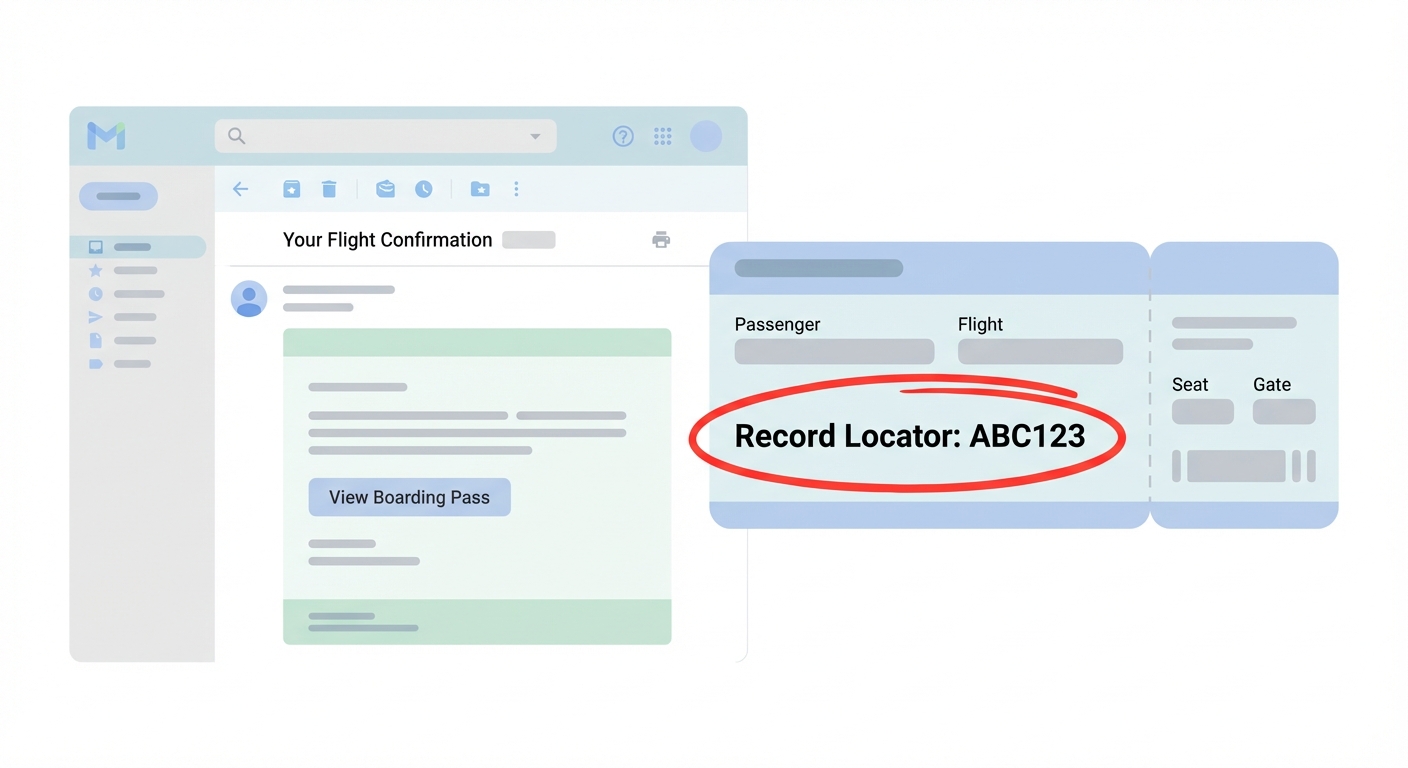
- The Confirmation Email: This is ground zero. Don't look at the receipt breakdown at the bottom. Look at the top header. It’s almost always six characters, usually a jagged mix of letters and numbers (e.g.,
R7K9P2). - Boarding Passes: On paper, it's usually small, tucked away near the flight number. On digital wallets (Apple/Google), it’s hidden. You usually have to tap the "..." or "Info" icon to flip the digital ticket over.
- SMS Alerts: If you signed up for texts, the very first message you got usually says: "Your booking
ABC123is confirmed." - E-Ticket Receipts: Tread carefully here. The receipt usually screams the 13-digit E-Ticket number at you. That is not what you want for check-in. You have to scan the fine print for the alphanumeric code.
For the purists who want to know the strict rules airlines should be following, the IATA Passenger Data Standards outline the ideal structure, though airlines love to deviate.
Record Locator vs. E-Ticket Number: The Confusion
This is where most travelers get stuck. You type that long string of numbers from your receipt into the "Check-In" box, and the app rejects you.
You are trying to open a padlock with a credit card receipt. It won't work.
- The Record Locator = The Container (The Reservation). This holds your intent to fly. It stores your seat assignment, your schedule, and your traveler info. You can actually have a Record Locator without having paid for the flight yet (like a 24-hour hold).
- The E-Ticket Number = The Contract (The Payment). This is proof you paid. It always starts with a 3-digit airline code (006 for Delta, 016 for United, 176 for Emirates). It attaches financial value to the reservation.
Why the distinction matters
You can't fly without both, but they serve different masters.
- Need to change your seat? Use the Record Locator.
- Need a refund because the flight was cancelled? Use the E-Ticket Number.
- Need to prove to your boss you bought the flight? E-Ticket Number.
Why do I have two different Record Locators? (OTA vs. Airline)
If you book through a third-party site (OTA) like Expedia, Booking.com, or Chase Travel, you are entering a world of double-bookkeeping.
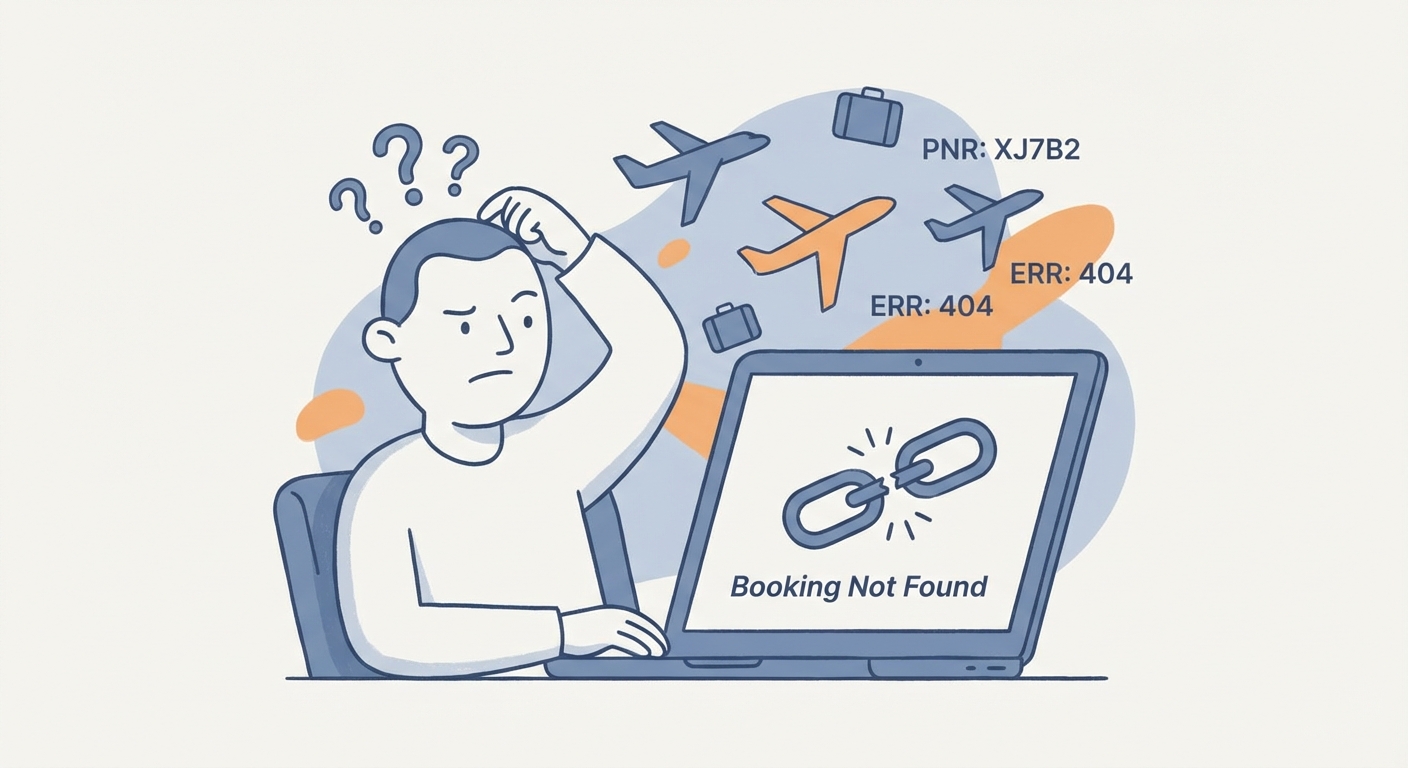
You get your confirmation email. You copy the code. You paste it into the United Airlines app. "Booking Not Found."
Panic sets in. Did the booking go through?
Relax. It’s likely a translation error between systems.
- The OTA Code: The travel agency creates a file in their system to track your payment and customer service requests. That is the big code at the top of their email.
- The Airline Code: The agency’s computer talks to the airline’s computer to grab the seat. The airline generates its own Record Locator.
The Fix
The code you see first is usually the agency's internal reference. It is useless at the airport kiosk.
Go back to that email. Scroll down. Look for a smaller section labeled "Airline Confirmation," "Flight Reference," or "Supplier Code." It’s often buried in a separate column or fine print. That is the code you need to check in.
Is it worth the hassle? We broke down the pros and cons in our analysis on Booking via OTAs vs Direct.
Is it safe to share your Record Locator on social media?
We see it every vacation season. The "Humble Brag" boarding pass photo on Instagram. Passport open, artisanal coffee in the background, boarding pass perfectly framed.
Stop doing this. Immediately.
Your Record Locator is not a receipt. It is a password.
On 90% of airline websites, the only things required to access the "Manage My Booking" portal are:
- Your Last Name.
- Your Record Locator.
Both of these are printed in bold text on your boarding pass.
The Attack Vector
Once a stranger logs into your booking, they don't need to be a master hacker to ruin your trip. They can:
- Cancel your return leg. You won't know until you show up at the airport to fly home.
- Change your seat. Enjoy the middle seat in the back row by the lavatory.
- Steal your data. They can often see your email address, phone number, and sometimes your passport details.
- Theft. If your frequent flyer number is attached, they can swap it for theirs and steal your miles.
Security experts have screamed about this for a decade. As detailed by Krebs on Security, even the barcode on your pass contains this data. Anyone with a free barcode scanner app can screenshot your post and read your data.
If you must post? Blur the name. Blur the code. Blur the barcode. Or better yet, post the photo after you get home.
Troubleshooting: What if my Record Locator isn't working?
You have the code. You are on the right site. The app still says "No." Before you resign yourself to three hours of hold music, check these common glitches:
- The Zero/Oh Mix-up: Yes, the algorithms try to prevent this, but legacy codes exist. If you see an 'O', try a '0'. If you see an 'I', try a '1'.
- The Name Game: The name on the reservation must match what you type exactly. If your ticket was booked as "Jonathan" but you type "John," the system will lock you out.
- The "Split PNR" Nightmare: This is common for groups. If you are flying with your family and you decide to upgrade just yourself or change just your date, the airline will "split" the reservation. You get a new Record Locator; your family keeps the old one. Check your inbox for a fresh email.
- First/Middle Mashup: Sometimes, airline systems smash your first and middle name together (e.g.,
JAMESALEXANDER). IfJAMESisn't working, try typingJAMESALEXANDERin the first name field.
Frequently Asked Questions (FAQ)
Does a Record Locator expire? Yes. It’s temporary. Once your trip is done, the PNR is archived. Usually, 24 to 72 hours after your last flight lands, the code is purged from the live system. You can't use it to look up a trip you took three years ago.
Are Record Locators case-sensitive? Generally, no. The GDS backends are ancient mainframes that process everything in uppercase. If you type lowercase on the website, the interface usually auto-converts it before sending it to the server.
Can I choose my own Record Locator? No. It’s a lottery. The code is generated to be mathematically unique at the exact millisecond of booking. You can't request "HONEYMOON" as your code.
Can I use a Record Locator to track a refund? Rarely. Refunds are financial transactions, so agents usually need the E-Ticket number (the contract) rather than the Record Locator (the schedule). Always save the document with the 13-digit number.