Reconfirmation in Travel Booking


TL;DR
- This guide covers the essential steps for reconfirming flights, hotels, and tours to avoid travel nightmares. We look into why double-checking your itinerary matters for adventure seekers and how to handle last-minute changes in remote locations. You will learn tips for staying organized and ensuring your bookings are actually locked in before you depart.
Why reconfirming your trip is still a big deal
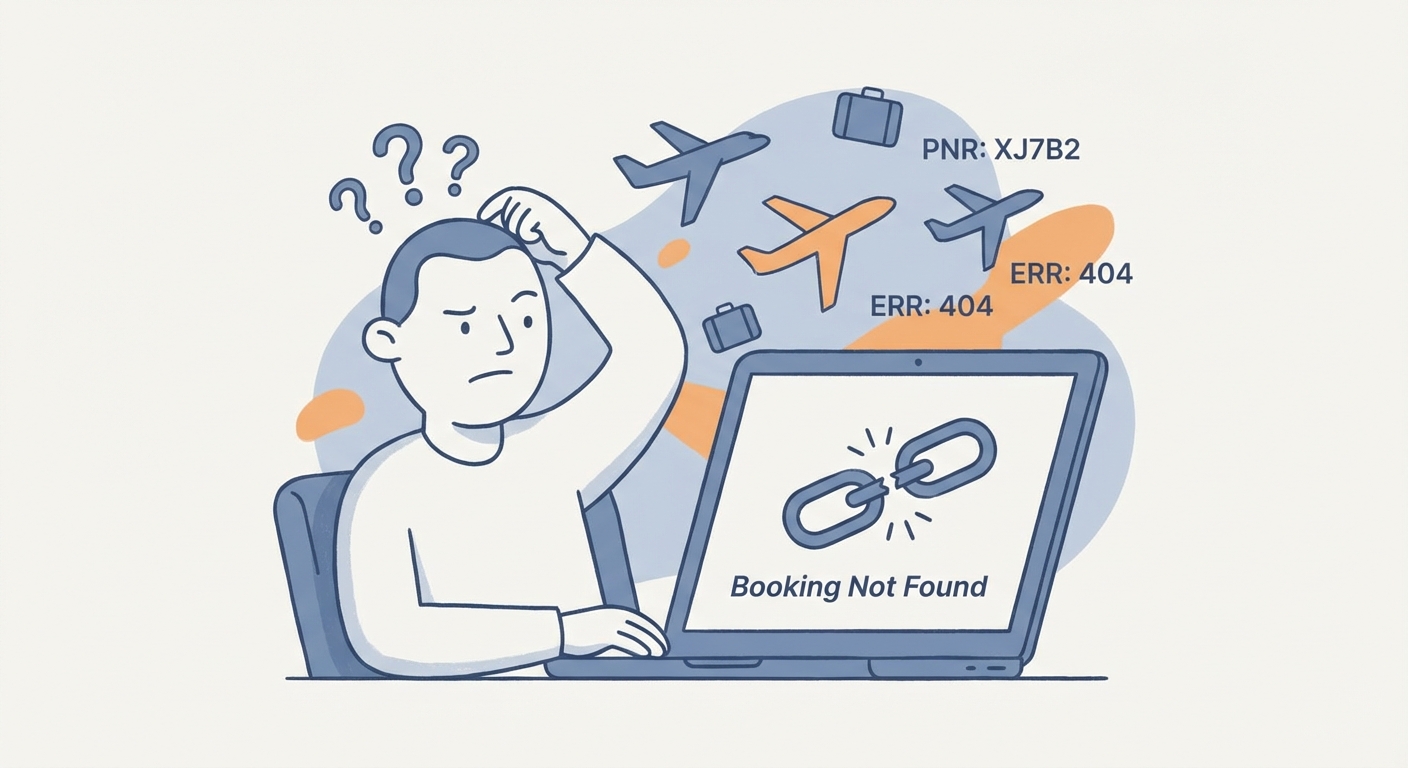
Ever had that sinking feeling when you show up at a remote mountain hut after a ten-hour hike, only for the guy at the desk to tell you they have zero record of your booking? It’s the absolute worst, and honestly, it happens way more than it should in our digital age.
Even with all the fancy tech we use, "ghost bookings" are a real thing where your reservation just vanishes into the ether. This usually happens because the api between a booking site and the actual hotel doesn't sync up right, leaving you stranded. (Challenges in Hotel API Integration and How to Overcome Them)
- System disconnects: Sometimes the middleman site says "confirmed" but the hotel's local computer never got the memo. This is super common with boutique stays or remote adventure spots that don't have 24/7 IT teams.
- Overbooking glitches: Hotels might sell the same room on three different sites at once; if you don't reconfirm, you're the first one they bump when they realize the mistake. (Do hotels double dip on a room if the original customer that ...)
- Payment failures: Your bank might've flagged the international charge as fraud after the initial "success," and the hotel cancelled the room without telling you.

Airlines are notorious for changing flight times by twenty minutes or even two hours without sending a single alert. If you're not checking that 72-hour window before takeoff, you might miss a connection or end up sitting at the gate way longer than planned.
According to a 2023 report by AirHelp, nearly 2% of all flights globally are cancelled, and many more face significant schedule shifts that passengers often miss. It's not just about the flight itself; it's about the shuttle you booked or the tour guide waiting for you on the other side.
Because these flight changes happen so quietly, the whole trip can fall apart like a house of cards. Actually, let's look at how this mess usually flows:
- The Silent Shift: Airline moves flight 45 mins earlier.
- The Missed Email: It went to your spam folder or the booking agent "forgot" to forward it.
- The Panic: You arrive at the airport and see "Boarding Closed" on the screen.
Checking in early or just sending a quick "hey, we still coming?" message saves so much heartbreak. Next, we're gonna dive into how to actually do this without spending hours on hold with customer service.
How to handle reconfirmation like a pro
So, you’ve got the flight and the hotel booked, but how do you actually make sure they’re really waiting for you? It’s one thing to have a PDF in your inbox and another to have a bed ready when you arrive at 2 AM.
I’m a big fan of letting tech do the boring stuff so I can focus on the adventure. Using an ai travel planner like GoTriply helps because it basically acts as a central hub for all those messy details that usually live in ten different browser tabs.
- Automated Check-ins: These tools can ping the hotel api to see if your booking is still active without you lifting a finger.
- Shared Itineraries: If you’re traveling with a group, you can drop a poll in the app to delegate tasks. Instead of everyone calling the hotel, use a poll to see who’s handling the airport transfer reconfirmation so two people don't call the same guy and look like idiots.
- Budget Syncing: It keeps track of whether that "pay at property" booking in peru is actually still valid. In places with high inflation, hotels sometimes cancel bookings if a required deposit's value drops too much or if your card fails a new pre-authorization check because of the currency shift.
Since we're talking about group logistics, check out how a shared workflow keeps everyone from losing their minds:

Sometimes, you just gotta go old school, specially with boutique hostels in europe or tiny dive shops. A quick WhatsApp message or email 48 hours before you land is a literal lifesaver.
- Ask about the transfer: "Hey, we're landing at 4, is the shuttle still coming?" It forces them to look up your name.
- Mention special requests: Even if you don't need a late check-in, mentioning it makes them verify your room is blocked off.
A 2023 study by Stratos Jets showed that over 3% of hotel reservations face some kind of data error during the booking process. That’s a lot of people showing up to no room!
But what if you do everything right and the booking is just... gone? If you show up and they have no record of you, don't panic. First, call the booking platform's emergency line immediately—they are usually obligated to find you a similar room. If they can't, and you've already been charged, start the process for a credit card chargeback later, but for now, use a local app to find a "last minute" alternative. Always keep the phone number of a backup hotel nearby just in case.
Next up, we’re gonna look at some other common mistakes that can ruin a trip.
Common pitfalls in international travel bookings
Ever booked a flight for the 14th only to realize you land on the 15th, but your hotel was for the night before? It’s a classic "time travel" headache that happens way more than you'd think when crossing the international date line.
The biggest mistake is assuming your arrival date is the same as your departure date. If you're flying from LA to sydney, you basically lose a whole day in the air. I always tell my groups to drop a poll in our shared chat: "Who is checking if the hotel dates match the flight arrival?" This way, one person confirms for the whole group and we don't double-up on the work.
- Date Line Confusion: You might leave on a Tuesday and land on a Thursday. If you booked the hotel for Wednesday, you're paying for a ghost room.
- Check-in vs. Arrival: Landing at 6 AM doesn't mean your room is ready. Unless you reconfirm an early check-in, you'll be hobo-ing it in the lobby with your bags.
- The 24-Hour Clock: Is 02:00 AM or PM? Mixing these up in a foreign language booking site is a recipe for sleeping in the street.

Sometimes the hotel doesn't even know you exist because the third-party site didn't push the data. According to a 2024 report by Hotel Tech Report — which tracks how these systems talk to each other — integration gaps between booking engines and property management systems are a top cause for lost reservations.
Always look for the Property Confirmation Number, not just the one from the booking site. If your itinerary template doesn't have a spot for the local hotel's direct code, you're flying blind.
If the worst happens and the booking is gone, you gotta act fast. Call the site you booked through and demand they re-book you nearby. If they're being useless, find a new spot yourself and document everything for a refund or chargeback later. Now, let's look at a checklist to make sure this never happens to you.
Reconfirmation checklist for your next adventure
So, you’re almost ready to head out, but don't just wing it and hope the hotel's wifi is good enough to pull up your emails. Trust me, being stuck in a rainy train station with a dead phone and no address is a vibe nobody wants.
I always tell my buddies to set a "sanity alarm" exactly two days before we leave. This is when you do the final sweep of every single booking to make sure nothing shifted under your feet.
- Check the flight status: Airlines change gates and times like they change socks; check the app before you leave for the airport.
- Confirm the pickup: If you booked a city tour or a shuttle, send a quick "see you soon" message to the guide—it ensures you're on their physical list for the day.
- Group Polls: Use your shared itinerary app to drop a quick poll like "Who has the offline map downloaded?" or "Who is calling the hostel to confirm the late arrival?" This keeps the group organized without everyone doing the same thing.
Look, I love my phone as much as anyone, but batteries die and screens crack at the worst possible times. Having a backup plan isn't being paranoid, it's being smart.
- Offline access: Make sure your personalized trip itineraries are saved for offline use in whatever app you're using.
- The "Paper Backup": Print a one-pager with the hotel names, addresses in the local language, and those property confirmation numbers we talked about.
- Safety first: Keep a digital copy of your passport and insurance on a secure cloud drive, but also have a photo of it on your phone's camera roll.
According to a report by TripIt (who knows a thing or two about organizing chaos), travelers who use centralized planning tools are way less likely to miss connections.
Honestly, a little bit of prep goes a long way. Once you've checked these boxes, you can actually relax and enjoy the ride. Safe travels!